Exploring the Animation Lessons at Rees3D: Your Gateway to Mastering 3D Animation
- Andrew

- Apr 6
- 3 min read
Diving into the world of 3D animation can feel overwhelming at first. The tools, techniques, and creative decisions might seem like a mountain to climb. But with the right guidance, this journey becomes not only manageable but truly exciting. That’s where Rees3D comes in. Their animation tutorials are designed to make learning 3D animation accessible, engaging, and practical. Whether you’re just starting or looking to sharpen your skills, these lessons offer a structured path to success.
Why Choose Rees3D Animation Tutorials?
When I first explored Rees3D animation tutorials, what struck me was their clear focus on quality education tailored for aspiring digital artists. The platform understands the challenges beginners face and addresses them with well-organized content. Each tutorial breaks down complex concepts into digestible parts, making it easier to grasp the fundamentals before moving on to advanced techniques.
One of the standout features is the step-by-step approach. You’re not just watching someone animate; you’re learning the why and how behind every move. This method builds a strong foundation, which is crucial for creating animations that look professional and polished.
Here’s what makes these tutorials particularly effective:
Structured learning paths that guide you from basics to advanced topics.
Hands-on projects that encourage you to apply what you’ve learned immediately.
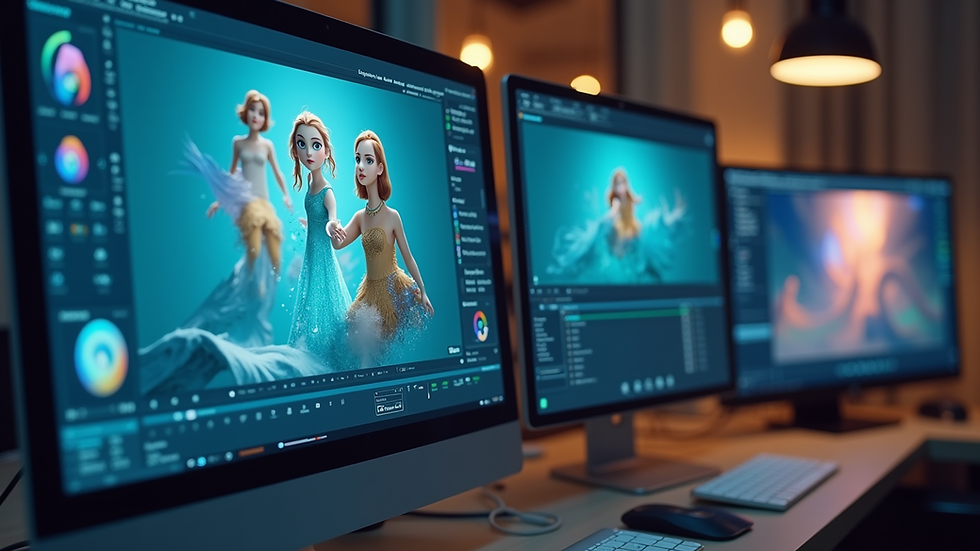
Clear explanations with visual aids to reinforce concepts.
Supportive community where you can ask questions and share your progress.
What You Can Expect from the Lessons
The lessons at Rees3D cover a wide range of topics essential for mastering 3D animation. From modelling and rigging to texturing and rendering, each module is crafted to build your skills progressively. Here’s a closer look at some key areas:
Modelling Basics
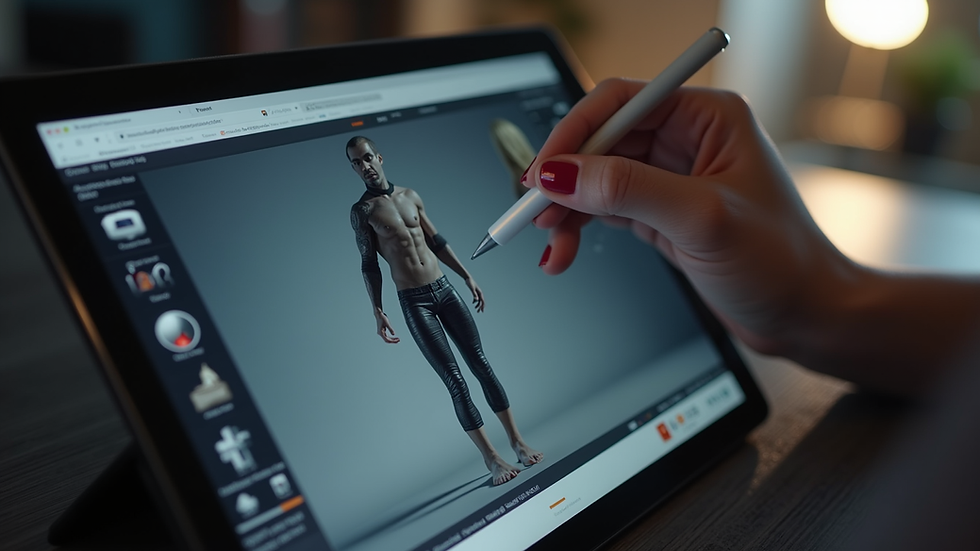
You’ll start by learning how to create simple 3D objects. This includes understanding shapes, proportions, and how to manipulate vertices and edges. The tutorials use practical examples, like modelling everyday items, to make the learning relatable.
Rigging and Animation Principles
Once you have your models, the next step is rigging – adding a skeleton that allows your model to move. The lessons explain rigging in a way that’s easy to follow, even if you’ve never done it before. You’ll also dive into animation principles such as timing, spacing, and easing, which bring your characters to life.
Texturing and Lighting
Adding textures and lighting is what gives your animation depth and realism. Rees3D tutorials guide you through applying materials and setting up lights to enhance the mood and visual appeal of your scenes.
Rendering and Post-Production
Finally, you’ll learn how to render your animations with the right settings to achieve high-quality output. The tutorials also touch on basic post-production techniques to polish your final work.
Each lesson includes practical exercises that reinforce the concepts, so you’re not just passively watching but actively creating.
How Rees3D Makes Learning Engaging and Accessible
One of the things I appreciate most about Rees3D is their commitment to making high-quality education accessible worldwide. The lessons are designed to be engaging and easy to follow, regardless of your background or prior experience.
The platform uses a friendly, encouraging tone that motivates you to keep going, even when the material gets challenging. The instructors break down complex ideas into simple language, avoiding jargon that can confuse beginners.
Moreover, the lessons are available online, so you can learn at your own pace and revisit topics whenever you need a refresher. This flexibility is invaluable for balancing learning with other commitments.
Practical Tips to Maximise Your Learning Experience
To get the most out of the rees3d animation lessons, here are some actionable recommendations based on my experience:
Set clear goals - Define what you want to achieve with each lesson. Whether it’s mastering a specific tool or completing a project, having goals keeps you focused.
Practice regularly - Animation skills improve with consistent practice. Try to dedicate time daily or weekly to work on exercises.
Engage with the community - Don’t hesitate to ask questions or share your work. Feedback is crucial for growth.
Experiment creatively - Use the lessons as a foundation but don’t be afraid to try your own ideas. Creativity thrives when you explore beyond the tutorials.
Review and revise - Animation is iterative. Revisit your projects and refine them as you learn new techniques.
By following these tips, you’ll build confidence and steadily improve your animation skills.
Unlock Your Creative Potential with Rees3D
Embarking on your 3D animation journey with Rees3D is a smart choice. The platform’s well-structured tutorials, practical projects, and supportive environment create the perfect setting for learning and growth. Whether you dream of creating stunning animations for games, films, or digital art, these lessons provide the tools and knowledge you need.
Remember, mastering animation takes time and patience, but with the right resources, it becomes an enjoyable and rewarding process. So, dive in, explore the lessons, and watch your skills come to life.
Start your creative adventure today and see where your imagination can take you with Rees3D animation tutorials!


Comments